

Email Login Instead of Username
Make email addresses the primary way users sign in to WordPress.
Simplify the login experience by letting users sign in with their email address instead of remembering a separate username. Make account access more straightforward for customers, members, and other registered users.
A practical login improvement for websites that want a simpler sign-in process.
Key highlights:
- Let users sign in using their email address.
- Simplify the login experience for registered users.
- Reduce confusion about usernames and login credentials.
- Make account access more convenient for customers and members.
- Lightweight and designed for WordPress.
Choose Your License
1 Year / 1 Site
Use on 1 website for 1 year.
$2.99
1 Year / 10 Sites
Use on up to 10 websites for 1 year.
$9.99
Lifetime / 1 Site
One time payment. Use on 1 website forever.
$8.99
Secure Checkout
Instant Download
24/7 Email Support
Plugin Details
| Version | 1.0.0 |
| Total File Size | 51 KB |
| Last Updated | Oct 28, 2026 |
| Requires WordPress | 6.0+ |
| Requires PHP | 7.4+ |
| Compatible With | WordPress, WooCommerce, Elementor & Contact Form 7 |
| Support | 24/7 Email Support |
Email-Based Login
Require users to sign in using their email address instead of their WordPress username.
Disable Username Login
Prevent users from logging in with their WordPress usernames while the feature is enabled.
Use Existing Accounts
No need to create new accounts or change existing usernames. Users simply sign in with their registered email addresses.
Simpler Login Experience
Make logging in easier by allowing users to use their email address, which they are more likely to remember.
Password Authentication
Keep the standard WordPress password authentication process while changing the required login identifier.
Simple One-Click Setup
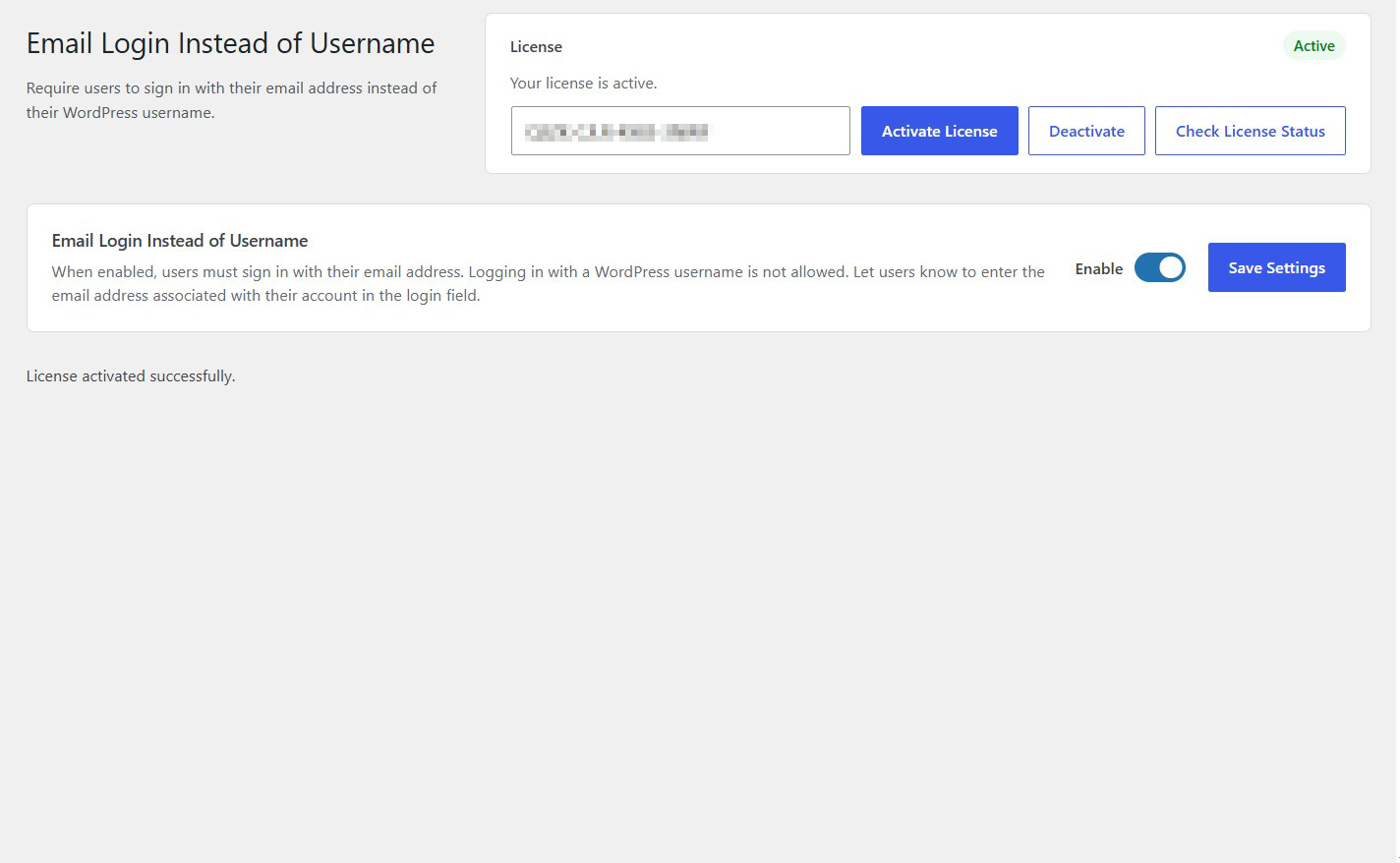
Enable or disable email-based login directly from one convenient settings screen.
Description
Email Login Instead of Username changes the way users sign in to your WordPress website by requiring them to use their email address instead of their username.
When enabled, users must enter the email address associated with their WordPress account in the login field. Logging in with a WordPress username is no longer allowed.
The plugin works with your existing WordPress user accounts, so there is no need to change usernames, recreate accounts or modify user passwords.
Whether you run a membership website, an online store or a community platform, requiring email-based login provides a simple and consistent way for users to access their accounts.
Simply enable the plugin and let your users know to enter their registered email address instead of their username when signing in.
Lightweight and easy to configure, Email Login Instead of Username provides a straightforward change to the standard WordPress login process without complicated settings or external services.
Key Features
- Require email addresses for WordPress login
- Prevent login using WordPress usernames
- Use existing registered email addresses
- No need to change existing usernames
- No need to create new user accounts
- Keep the standard WordPress password authentication process
- Enable or disable email-based login whenever needed
- Simple centralized settings screen
- Lightweight and easy to configure
- No external services or API keys required
Frequently Asked Questions
What does Email Login Instead of Username do?
The plugin requires users to sign in using the email address associated with their WordPress account instead of their username. When enabled, username-based login is no longer allowed.
Do users need to change their existing usernames?
No. Existing usernames remain unchanged. Users simply enter their registered email addresses in the login field instead.
Do users still need their passwords to log in?
Yes. The plugin changes the required login identifier but keeps the standard WordPress password authentication process.
Can users still log in with their WordPress usernames?
No. When the plugin is enabled, users must enter their registered email addresses. Logging in with a WordPress username is not allowed.
Does the plugin change existing user accounts?
No. Existing user accounts, usernames, passwords, roles and permissions remain unchanged. The plugin only changes how users identify themselves during login.
What happens if a user enters their username instead of their email address?
The login attempt will not succeed. Users must enter the email address associated with their WordPress account.
Does the plugin work with WooCommerce?
The plugin changes the WordPress login authentication requirement. Compatibility with WooCommerce and other plugins that provide custom login forms depends on how those forms handle WordPress authentication.
Can I switch back to username-based login?
Yes. You can disable the plugin functionality from its settings page. WordPress will then return to its normal login behavior.
Do I need any external services or API keys?
No. The plugin works directly within WordPress and does not require external services, API connections or third-party accounts.
Related Plugins

Hide WP-Login Page From Public
Hide your default WordPress login page and redirect visitors to your homepage while keeping a private login URL for administrators.

Block This Email & Domain
Prevent unwanted email addresses and entire domains from registering, logging in or submitting forms.

Login/Logout Redirect Per User Role
Configure custom login and logout redirect URLs for individual WordPress user roles.