

Disable Trackbacks & Pingbacks
Stop unwanted trackbacks and pingbacks on your WordPress website.
Reduce unwanted communication from other websites by disabling trackbacks and pingbacks in WordPress. Keep your content management simpler and reduce the noise associated with these legacy linking features.
A lightweight, focused tool for website owners who don’t need trackbacks or pingbacks on their sites.
Key highlights:
- Disable trackbacks and pingbacks.
- Reduce unwanted link notifications.
- Simplify WordPress discussion settings.
- Keep your content workflow focused.
- No external APIs or third-party services required.
Choose Your License
1 Year / 1 Site
Use on 1 website for 1 year.
$0.99
1 Year / 10 Sites
Use on up to 10 websites for 1 year.
$3.99
Lifetime / 1 Site
One time payment. Use on 1 website forever.
$3.99
Secure Checkout
Instant Download
24/7 Email Support
Plugin Details
| Version | 1.0.0 |
| Total File Size | 51.8 KB |
| Last Updated | Oct 28, 2026 |
| Requires WordPress | 6.0+ |
| Requires PHP | 7.4+ |
| Compatible With | WordPress, WooCommerce, Elementor & Contact Form 7 |
| Support | 24/7 Email Support |
Disable Trackbacks & Pingbacks
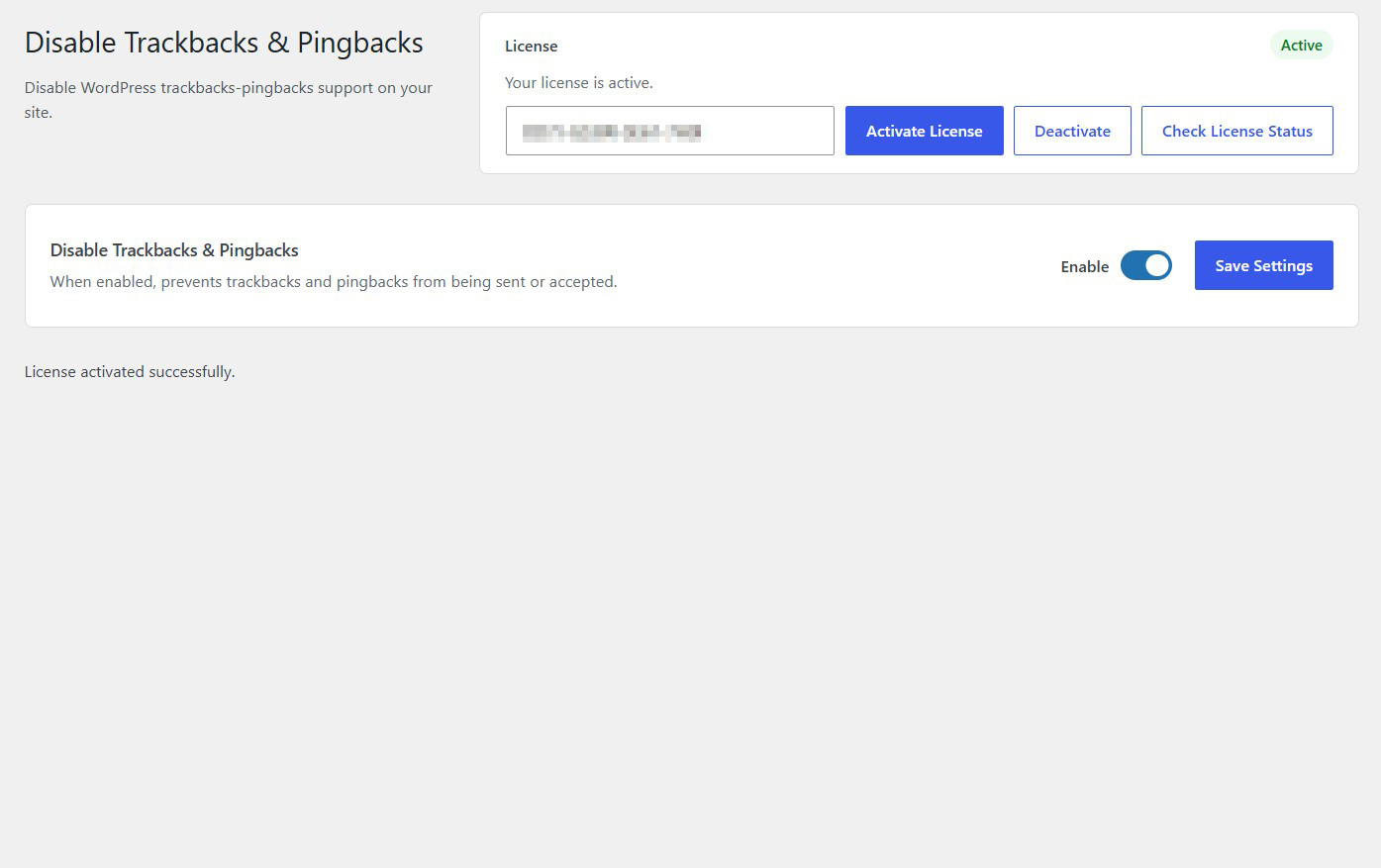
Turn off WordPress trackback and pingback functionality with a single click.
Stop Incoming Trackbacks
Prevent other websites from sending trackback notifications to your WordPress website.
Stop Incoming Pingbacks
Prevent unwanted pingback requests from being accepted by your website.
Prevent Outgoing Notifications
Stop WordPress from sending trackbacks and pingbacks to other websites.
Reduce Unwanted Interactions
Help reduce unwanted automated notifications and unnecessary communication between websites.
Simple One-Click Control
Enable or disable trackback and pingback restrictions from one convenient settings screen.
Description
Disable Trackbacks & Pingbacks provides a simple way to turn off WordPress trackback and pingback functionality across your website.
Trackbacks and pingbacks allow websites to notify each other when content is referenced or linked. While these features were originally designed to encourage interaction between websites, they can also generate unwanted notifications and unnecessary automated requests.
With this plugin, you can prevent WordPress from sending or accepting trackbacks and pingbacks without manually changing individual settings throughout your website.
Simply enable the plugin and it will disable trackback and pingback functionality.
The plugin is particularly useful for website owners who do not use these features and prefer to reduce unnecessary external interactions.
Whether you manage a business website, blog, online publication or content platform, Disable Trackbacks & Pingbacks provides a straightforward way to simplify your WordPress configuration.
Lightweight and easy to use, it works directly within WordPress without requiring external services, API keys or complicated configurations.
Key Features
- Disable WordPress trackback functionality
- Disable WordPress pingback functionality
- Prevent incoming trackbacks and pingbacks
- Prevent outgoing trackbacks and pingbacks
- Reduce unwanted automated notifications
- Apply restrictions centrally across your website
- No need to configure individual posts
- Simple enable and disable functionality
- Lightweight and easy to use
- No external services or API keys required
Frequently Asked Questions
What does Disable Trackbacks & Pingbacks do?
The plugin disables WordPress trackback and pingback functionality, preventing your website from sending or accepting these notifications.
What are trackbacks and pingbacks?
Trackbacks and pingbacks are WordPress features that allow websites to notify each other when one website references or links to content on another website.
Does the plugin block incoming trackbacks?
Yes. When enabled, the plugin prevents your WordPress website from accepting incoming trackbacks.
Does the plugin also block incoming pingbacks?
Yes. The plugin prevents incoming pingbacks from being accepted by your website.
Does it stop WordPress from sending outgoing trackbacks and pingbacks?
Yes. When enabled, the plugin prevents WordPress from sending trackbacks and pingbacks to other websites.
Do I need to disable trackbacks and pingbacks on every post individually?
No. The plugin provides centralized control, so you do not need to manually change individual post settings.
Will disabling trackbacks and pingbacks affect regular comments?
No. The plugin targets trackback and pingback functionality, not ordinary visitor comments.
Will this plugin delete existing comments?
No. The plugin does not delete existing comments. Its purpose is to disable trackback and pingback functionality.
Can I re-enable trackbacks and pingbacks later?
Yes. Simply disable the plugin functionality from its settings screen to stop applying its restrictions.
Will disabling trackbacks and pingbacks affect my website's links?
No. Normal hyperlinks between websites continue to work. The plugin disables the notification mechanisms associated with trackbacks and pingbacks, not regular links.
Does this plugin prevent all WordPress spam?
No. It specifically targets trackbacks and pingbacks. It does not replace comment spam protection or other security measures.
Do I need any external services or API keys?
No. The plugin works directly within WordPress and does not require external services or third-party API connections.
Related Plugins

Disable Post Comments
Disable comments and pingbacks on WordPress posts while hiding existing comments from the front end, without deleting them.

Disable XML-RPC
Disable the WordPress XML-RPC interface to restrict access through an older remote communication mechanism.

Disable REST API for Logged-Out Users
Restrict access to the WordPress REST API for visitors who are not logged in.