

Disable Plugin Notifications
Keep your WordPress dashboard free from unwanted plugin notifications.
Tired of plugin notices, promotional messages, and distracting notifications cluttering your WordPress dashboard? Keep your admin area cleaner with a focused tool designed to reduce unwanted plugin notifications.
A simple solution for website owners who want to spend less time dismissing notices and more time managing their websites.
Key highlights:
- Reduce unwanted plugin notifications in WordPress admin.
- Keep your dashboard cleaner and less distracting.
- Spend less time dismissing unnecessary notices.
- Simplify your everyday WordPress workflow.
- No external APIs or third-party services required.
Choose Your License
1 Year / 1 Site
Use on 1 website for 1 year.
$0.99
1 Year / 10 Sites
Use on up to 10 websites for 1 year.
$6.99
Lifetime / 1 Site
One time payment. Use on 1 website forever.
$6.99
Secure Checkout
Instant Download
24/7 Email Support
Plugin Details
| Version | 1.0.0 |
| Total File Size | 50.1 KB |
| Last Updated | Oct 28, 2026 |
| Requires WordPress | 6.0+ |
| Requires PHP | 7.4+ |
| Compatible With | WordPress, WooCommerce, Elementor & Contact Form 7 |
| Support | 24/7 Email Support |
Hide Plugin-Generated Notifications
Hide administration notices generated by WordPress plugins throughout your dashboard.
Clean Up Your WordPress Dashboard
Reduce visual clutter and create a cleaner, more organized administration interface.
Reduce Unnecessary Distractions
Keep your attention on managing your website instead of constantly seeing plugin notifications.
Site-Wide Notice Management
Apply notification hiding throughout the WordPress administration area with one setting.
No Plugin Modifications Required
Hide plugin-generated notices without editing individual plugin files or changing their code.
Simple One-Click Control
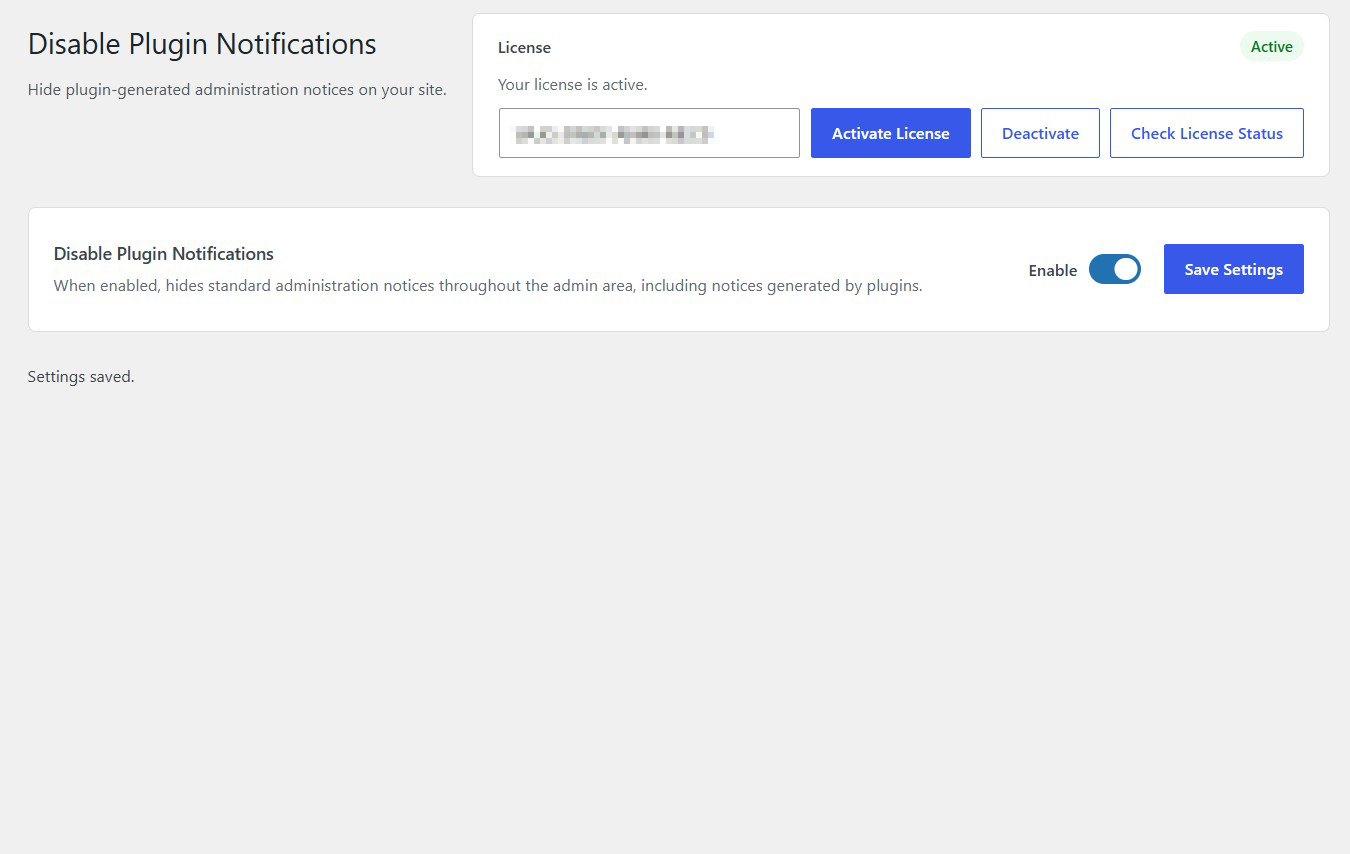
Enable or disable notification hiding directly from the plugin settings screen.
Description
Disable Plugin Notifications is a lightweight WordPress plugin that helps you maintain a cleaner and less cluttered administration dashboard by hiding plugin-generated notifications.
WordPress plugins frequently display administration notices, including promotional messages, upgrade reminders, recommendations, configuration suggestions and other informational notifications. While some notices can be useful, too many of them can make the WordPress dashboard distracting and difficult to manage.
Disable Plugin Notifications provides a simple solution by hiding administration notices throughout your WordPress admin area, including notifications generated by installed plugins.
Once enabled, the plugin automatically hides the relevant administration notices, allowing you to work with a cleaner and more organized dashboard without constantly dealing with unnecessary messages.
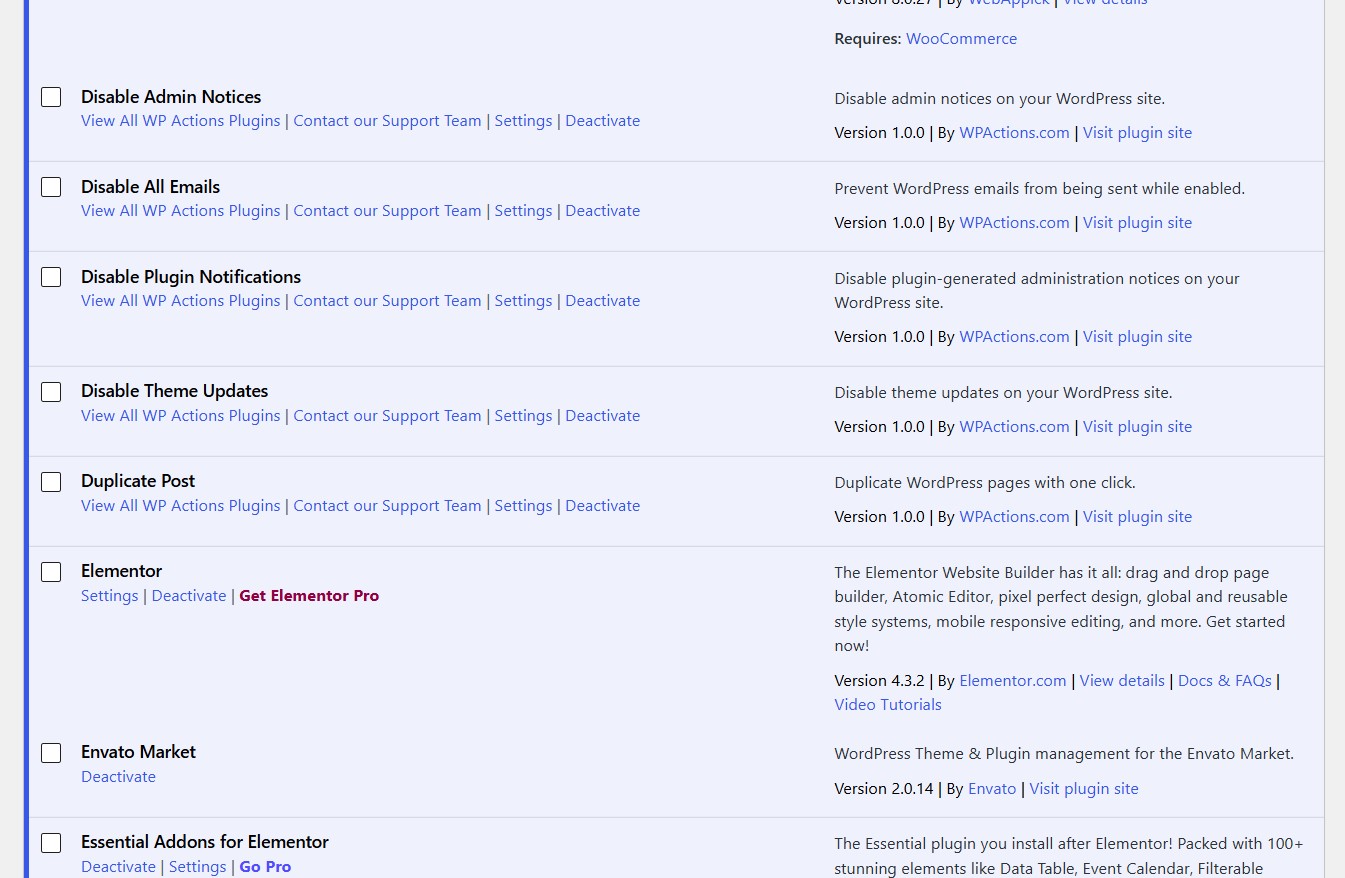
There is no need to edit plugin files, modify your theme or manually change individual plugin settings.
Simply activate the functionality and save your settings.
Whether you manage a personal website, business website, membership platform or WooCommerce store, Disable Plugin Notifications helps reduce dashboard clutter and provides a more focused WordPress administration experience.
Lightweight and easy to use, it works directly within your WordPress installation without requiring external services, API keys or additional configuration.
Key Features
- Hide plugin-generated administration notifications
- Reduce unnecessary dashboard clutter
- Hide promotional plugin notices
- Hide plugin recommendations and upgrade reminders
- Clean up the WordPress administration interface
- Apply notification hiding throughout the admin area
- No need to modify individual plugin files
- No theme modifications required
- No manual code editing required
- Simple centralized settings screen
- Enable or disable functionality whenever needed
- Lightweight and easy to use
- No external services or API keys required
Frequently Asked Questions
What types of notifications does it hide?
It is designed to hide plugin-generated administration notices, including promotional messages, recommendations, upgrade reminders and other informational notifications.
Does the plugin remove notifications permanently?
No. It hides the relevant notices from the administration interface. It does not intentionally delete plugin data or permanently remove notification records.
Does it disable the plugins generating the notifications?
No. Your installed plugins continue to operate normally. The plugin only handles the display of administration notices.
Will this affect WooCommerce notifications?
It can hide administration notices generated by WooCommerce and other installed plugins, depending on how those notices are displayed.
Does it hide notifications throughout the WordPress admin area?
Yes. Its purpose is to hide relevant administration notices throughout the WordPress administration area rather than targeting only one dashboard screen.
Will it affect important plugin functionality?
The plugin is designed to hide notices rather than disable the functionality of other plugins. However, you may not see important information communicated through hidden notices, so consider this before enabling it.
Does it require modifying plugin files?
No. You do not need to edit individual plugin files or modify their source code.
Can I restore plugin notifications?
Yes. Simply disable the functionality and save your settings to restore the normal display of plugin-generated administration notices.
Does the plugin require external services?
No. It works directly within your WordPress installation without external services, API keys or third-party connections.
Related Plugins

Disable Admin Notices
Hide standard WordPress administration notices throughout your website for a cleaner and less distracting dashboard.

Remove "Howdy"
Remove the default “Howdy” greeting from the WordPress admin bar and create a cleaner, more professional administration experience.

Disable Theme Updates
Prevent WordPress from displaying and applying theme updates through the standard update mechanism.